Spatial computing has transitioned from an expensive developer novelty into an indispensable enterprise productivity medium in 2026, replacing physical multi-monitor desks with infinite, high-resolution virtual workspaces and collaborative 3D spatial environments.
Key Takeaways & Quick Summary
- Tandem Micro-OLED displays with 4K resolution per eye eliminate screen door effect and render fine typography crisply.
- Optical eye tracking combined with subtle finger pinch gestures provides a frictionless, low-fatigue user interface.
- Enterprise engineering teams leverage shared spatial CAD workspaces for real-time 3D prototyping and digital twins.
- Lightweight ergonomic chassis designs under 350 grams enable continuous 4-hour productive focus sessions.
Beyond the Virtual Reality Novelty
When early virtual reality headsets entered the market, they were pigeonholed as gaming accessories and isolating entertainment novelties. Wearing a heavy, low-resolution plastic visor for more than thirty minutes induced nausea, neck strain, and eye fatigue.
In 2026, the era of “VR gaming goggles” has been completely eclipsed by the rise of spatial computing. Spearheaded by second-generation enterprise headsets from Apple, Meta, and Sony, spatial computing seamlessly blends high-fidelity digital interfaces directly into the user’s physical surrounding environment.
Rather than locking users in closed digital voids, spatial computing expands human cognition, allowing knowledge workers to project infinite, floating multi-window workspaces anywhere they sit.
Display Optics: Conquering Typography & Resolution
The technical hurdle that historically prevented enterprise adoption of virtual workspaces was text legibility. Software engineers, financial analysts, and legal professionals spend their days reading small typography; low-density displays produced fuzzy, unreadable text.
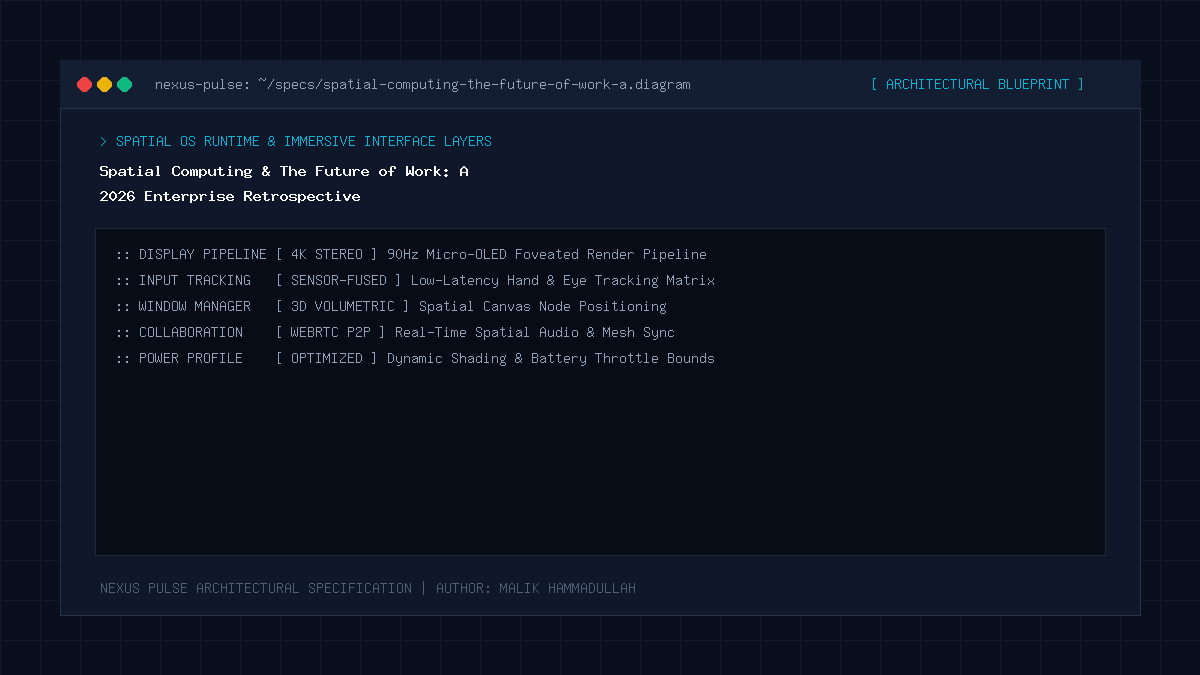
The breakthrough arrived with custom Tandem Micro-OLED displays packing over 28 million pixels across two postage-stamp-sized panels—delivering well over 4K resolution per eye and 50+ pixels per degree (PPD).
Coupled with high-precision custom catadioptric pancake lenses, typography renders with the same crispness and contrast as a physical 5K Apple Studio Display, eliminating eye strain during deep working sprints.
The Natural User Interface: Eye Tracking & Spatial Audio
Spatial computing discarded clunky handheld plastic controllers in favor of the most intuitive input devices humans possess: eyes, hands, and voice. High-speed infrared cameras track eye gaze with sub-millimeter accuracy: you simply look at an app icon or button, and a micro-pinch of your thumb and index finger triggers the click.
Combined with computational spatial audio that anchors sound sources to specific physical coordinates in your room, virtual conference meetings feel remarkably natural. When a colleague speaking from the left side of your floating browser window chimes in, their voice resonates from that exact acoustic spatial location.
Enterprise Collaborative Workflows & Digital Twins
The greatest return on investment in spatial computing is occurring across industrial design, aerospace engineering, surgical planning, and architectural CAD.
Instead of reviewing a complex jet engine assembly or architectural floor plan on flat two-dimensional monitors, distributed global engineering teams enter shared spatial sessions. Multiple engineers manipulate full-scale holographic digital twins, inspecting internal tolerances, stress-testing aerodynamic airflow models, and marking revisions in shared 3D space in real time.
Spatial Computing & The Future of Work: Architecture & Technical Specifications Matrix
Physical Multi-Monitor Workstation vs Spatial Computing Workspace (2026 Comparison):
| Workspace Dimension | Traditional Triple-Monitor Desk | Modern Spatial Computing Headset |
|---|---|---|
| Effective Display Area | Limited to physical desk width (e.g., 3x 27″ screens) | Infinite 360-degree floating canvas around room |
| Portability & Remote Mobility | Zero (Tethered to heavy physical desk setup) | 100% Mobile (Pack entire workstation in a backpack) |
| 3D Data & CAD Modeling | Flattened onto 2D screens with awkward camera rotation | True stereoscopic 1:1 scale spatial manipulation |
| Context Switching & Clutter | Physical wires, monitor stands, desk real estate | Clean physical desk with customizable virtual presets |
| Focus & Environmental Control | Subject to visual distractions in open offices | Dial in dynamic ambient environments to isolate focus |
Official Specifications & Primary Sources
Architectural specifications, model capabilities, and benchmark evaluations in this guide are cited from official documentation and published papers (verified as of October 2026):
- Apple: Apple VisionOS Developer Documentation
- MDN: MDN Web Docs: WebXR Device API
- Unity: Unity Spatial Computing Architecture Overview
Spatial Computing & The Future of Work: Engineering Questions & Practical Considerations
Can I use a physical keyboard and mouse with a spatial headset?
Yes. Leading headsets seamlessly detect your physical Magic Keyboard and Trackpad via computer vision, projecting your hands and input devices naturally into the virtual environment.
Is spatial computing suitable for wearing all day?
Second-generation headsets weigh under 350 grams with distributed battery packs, making 3-4 hour continuous deep-work sessions comfortable, though taking periodic eye breaks is still recommended.
How does spatial computing integrate with existing Mac and PC workflows?
Through high-speed wireless virtual display protocols, you can connect your existing laptop with a single glance, instantly expanding your desktop into a massive floating 4K virtual display.
Join Our Official WhatsApp Channel
Get instant notifications for breaking AI developments, developer security guides, and tech intelligence directly on WhatsApp.

Recommended Reading